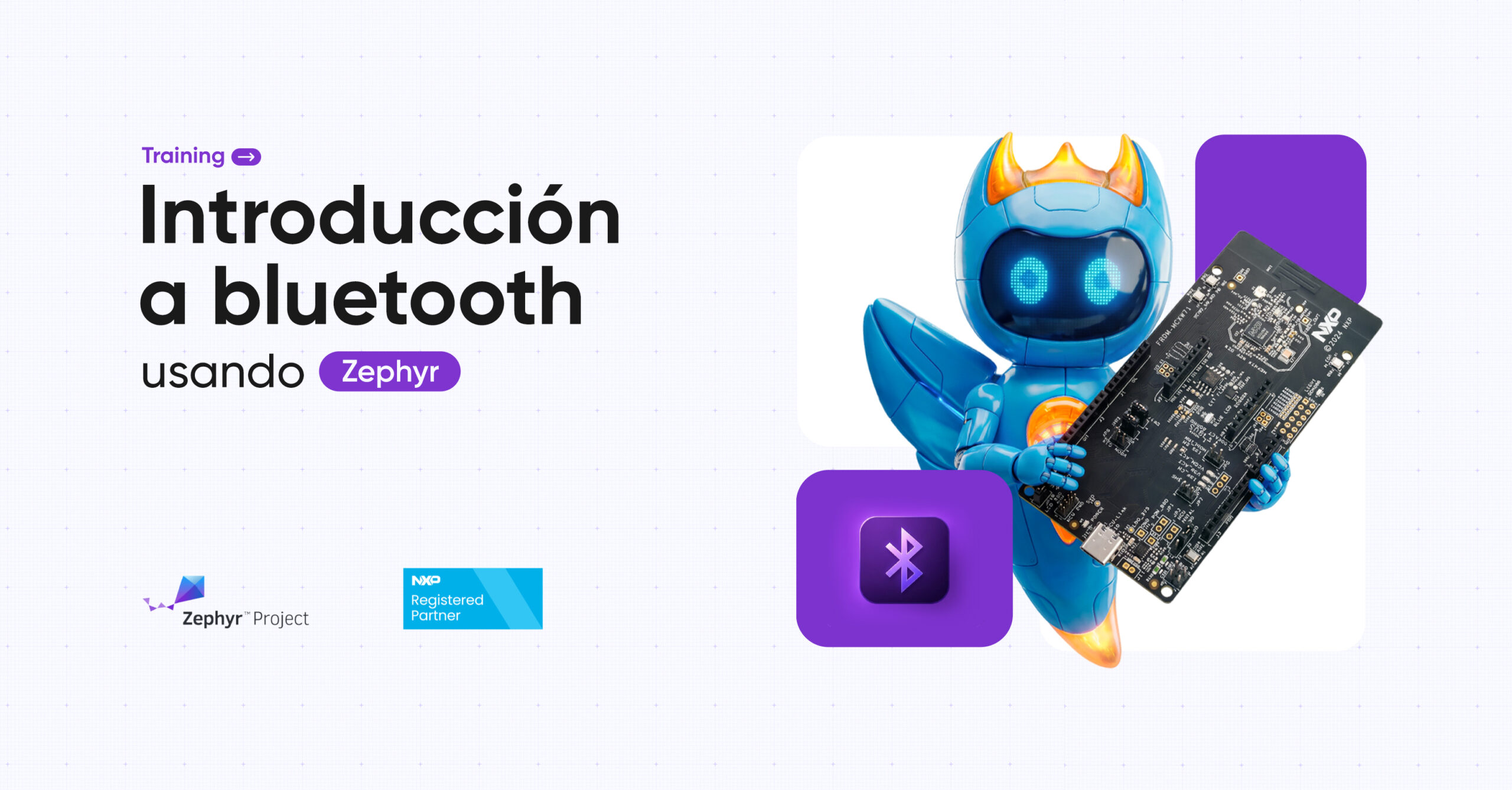
Welcome aboard! Welcome to our first MicroTraining. This training is designed for engineers and developers looking to dive straight into Zephyr with a dedicated focus on Bluetooth. Instead of getting lost in broad concepts, you’ll focus purely on Bluetooth: mastering peripherals, handling read/write operations, sending messages, troubleshooting communication errors, and much more… all in just 3 days.
Note: This training is designed to Spanish speaker for now.
Course Content
Day 1: Set up
On day one, we don’t want to overwhelm you with too much information or a complex set of tools. We know many of you are new to Zephyr, so our goal is to give you a clear, practical introduction. We’ll guide you through how to use it and explore your setup options: prefer MCUXpresso IDE? Go for it. Running low on storage? Use Docker instead. Below, you’ll find the full breakdown of topics covered today
- Zephyr Introduction
- Set-Up: West + SDK, NXP IDE / VS Code, J-Link / pyOCD
- Boards & targets
- First blink OK
- BLE Observer
- BLE Broadcaster
Day 2: GATT
Welcome to Day 2! Today, we’ll dive into the Bluetooth stack. You will learn how to configure Bluetooth peripherals, perform read and write operations, and go beyond the basics by establishing connections with external devices like your smartphone.
- Peripheral & Central
- GATT Services
- Characteristics: Read / Write, Notify / Indicate
- nRF Connect: Scan & connect, Read/Write from your phone
Day 3: Debug
Every developer knows that bugs are inevitable. At some point, you always have to debug and that’s exactly you will see about.
- Pairing & Bonding
- Debugging BLE: CONFIG_BT_DEBUG_LOG, Log levels Zephyr
- BTsnoop log from Android: activate HCI snoop
- Capture with nRF Connect
- Open .cfa on Wireshark
- Common errors from stack BLE on Zephyr
For more information: